Usage
On-screen warnings
On-screen warnings and what they mean.
You installed GaggiMate, and you are almost ready to brew. But what is that small icon in the middle of the screen?
Warning icons
First, let’s show an example of the warnings you might see on screen with your GaggiMate:
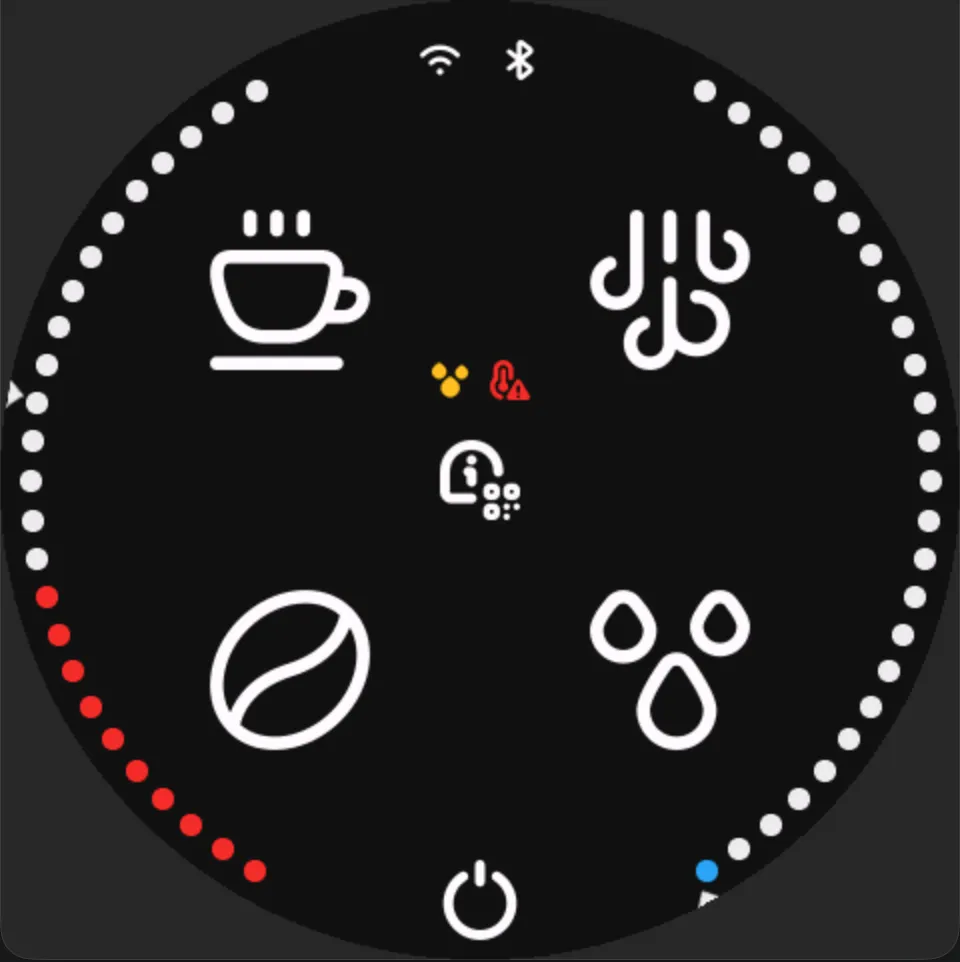
In this image, we see two warnings in the middle of the screen. The first is a yellow droplet, and the second is a red temperature warning. But an icon alone does not tell you much if you do not know what it means.
There are currently eight different warning icons in use. Two of them currently share the same symbol.
The warnings are as follows:
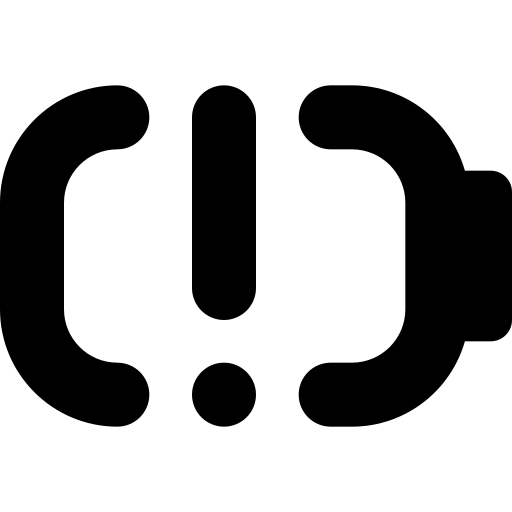
Low battery
The connected scale has a low battery status.
Cleaning / descaling / backflushing
This icon has a double meaning for now: it indicates either descaling or backflushing. The web interface can tell you which one it is.

Temperature alert
The temperature has not settled around the target temperature yet.
Please note that the absence of this warning does not mean that your espresso machine is temperature stable. It simply means that the probe is measuring close to the target temperature. Please still preheat the boiler sufficiently.

Steam switch engaged
This indicates that the steam switch is currently engaged. This could prevent the 3-way valve from opening toward the group head if you try to brew.

No connection
There is currently no scale connected to GaggiMate.

Flush required
You need to flush before your next shot. Not backflush; this is regular flush. Psst, did you know that if you long-press the play icon on the brew screen, it will flush? This warning may appear after many other actions, as a general reminder to ensure the boiler is at maximum capacity and that there is no debris in the group head from previous shots.

Low tank water level
The water level in the tank is currently low.

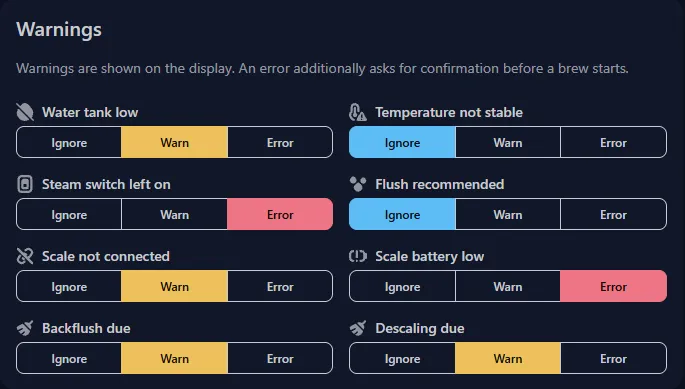
On the settings page, you can set the alert level for each warning type.
These alert levels determine how the warnings appear on your screen and whether they should block the brew or simply inform you.
The levels are:
- Ignore: No warning icon is shown for this type of warning, and you will not be stopped if you try to brew while it is active.
- Warn: You will get a yellow icon on the brew and menu pages to warn you about this warning type, but it will not block a brew from starting.
- Error: You will get a red icon on the brew and menu pages. You will also get an error message if you try to brew with an active error.
The settings can be found in the GaggiMate web interface under Settings then General.
Have questions?
Still have questions? Join the Discord!