Add-Ons
Alba Lighting and Tank Sensor
Installation Guide for GaggiMate Alba
Important Notes
High Voltage Safety: Exercise extreme caution when working with high voltage. If you are unsure about any steps, consult a professional technician.
Follow Local Codes: Ensure that your work adheres to local electrical codes and standards.
Documentation: Keep a record of your wiring setup for future reference and troubleshooting.
Contents
- 1. Preparation
- 2. Assembly
- 3. Connection
- 4. Mounting Examples
- 5. Configuration
- 6. External LED / Barista Lights
1. Preparation
Check all the parts
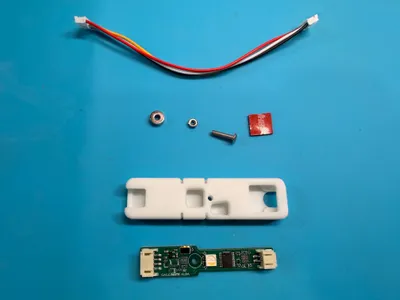
Contents
- GaggiMate Alba PCB
- Protective Casing
- Connection Cable (50cm)
- Magnet + Screw and Nut for magnetic mounting
- VHB 10mm Dot for tape mounting
PCB Preparation
⚠️ Attention: If you forget this step the readings might not work correctly.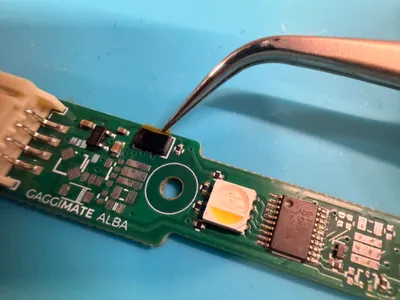
2. Assembly
Case Assembly
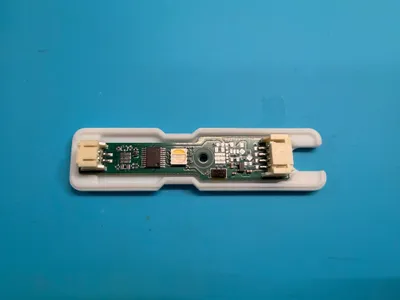
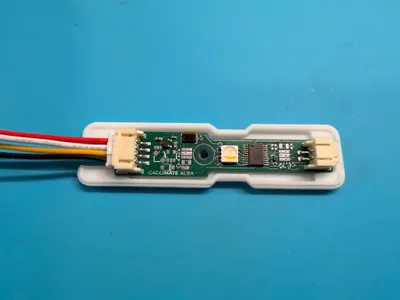
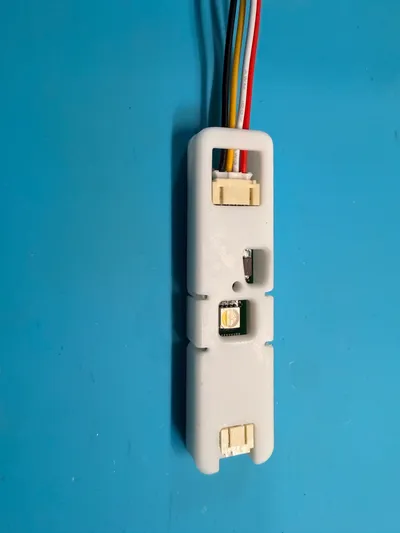
Mounting: Magnetic
On machines with a magnetic surface over the water tank, this method can be used. (for example: Gaggia Classic Pro)
⚠️ Attention: Do not screw it too tight. Magnets are brittle!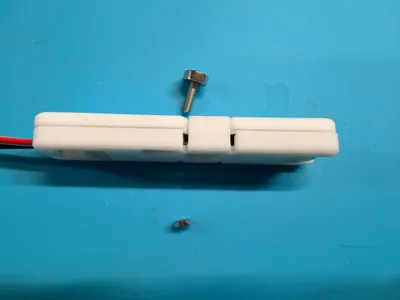
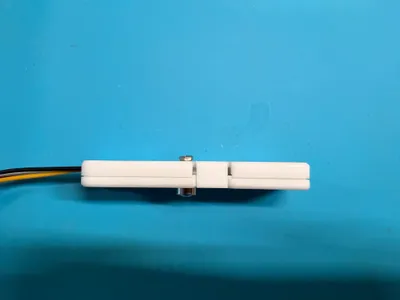
Mounting: Tape
On non magnetic machines or those with a simple plastic cover over the tank (for example Rancilio Silvia), the included VHB tape can be used to mount the sensor.
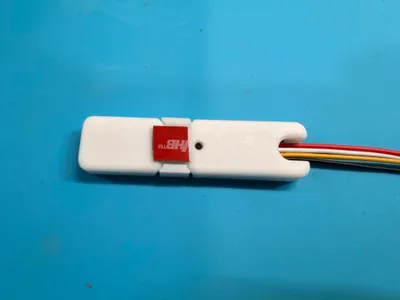
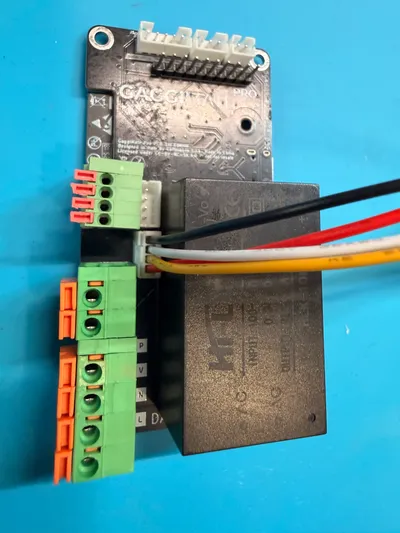
3. Connection
4. Mounting Examples
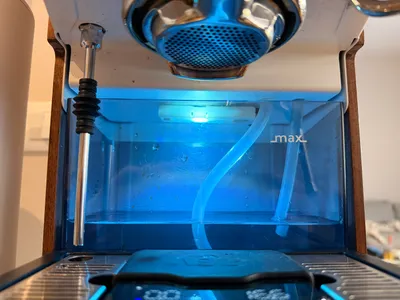
Gaggia Classic Pro
The cables are run through the hole of the spout and the sensor is magnetically held above the tank.
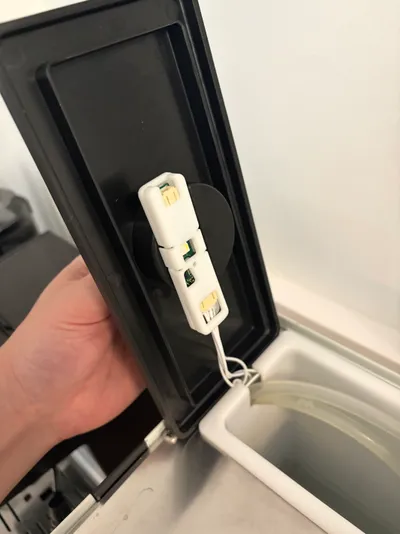
Rancilio Silvia
The cables run through the cutout for the tank hoses and then go behind the boiler towards the PCB. The sensor is attached to the lid with the included VHB tape.
5. Configuration
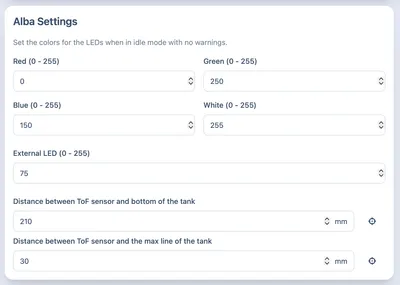
The settings allow you to set the regular idle color / brightness of the LED. The numbers can be set from 0-255 and control the separate channels of the LED where 0 is off and 255 is full brightness.
The external LED setting allows you to control the brightness of an externally connected LED (See section 6).
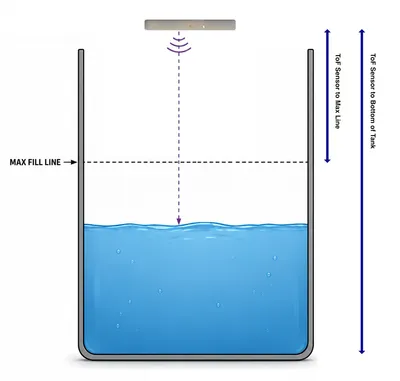
For the tank level to work properly you have to configure the distances from the sensor down to 2 points of the tank. See the diagram next to it for an explanation. You can also use the buttons right of the input fields to set the current value of the sensor.
6. External LED / Barista Lights
The Alba PCB allows connecting one or multiple external LEDs to your machine. These can for example be used for Barista lights or other additional lighting.
You can use 5V LEDs with up to 200 mA current in total (1W at 5V). If you exceed this limit you risk damaging the Alba PCB. The connected LEDs can be dimmed to your preferred brightness.
Have questions?
Still have questions? Join the Discord!